 Skeddy
 Reminders that live inside Telegram
Never forget anything again — just tell Skeddy.
Skeddy is a Telegram bot that turns plain sentences into reminders and tasks — set them in chat, manage them in the Mini App.
🌟10K+
people use Skeddy every month
🎉10 years
Skeddy has been reminding people since 2016
🔔1M+
reminders Skeddy sends every month
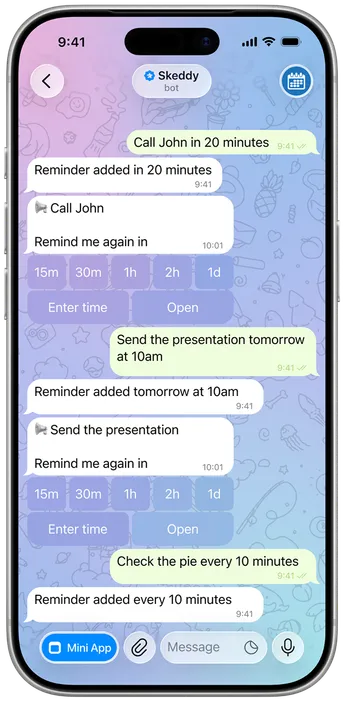
Everything a reminder app should be — without leaving Telegram.
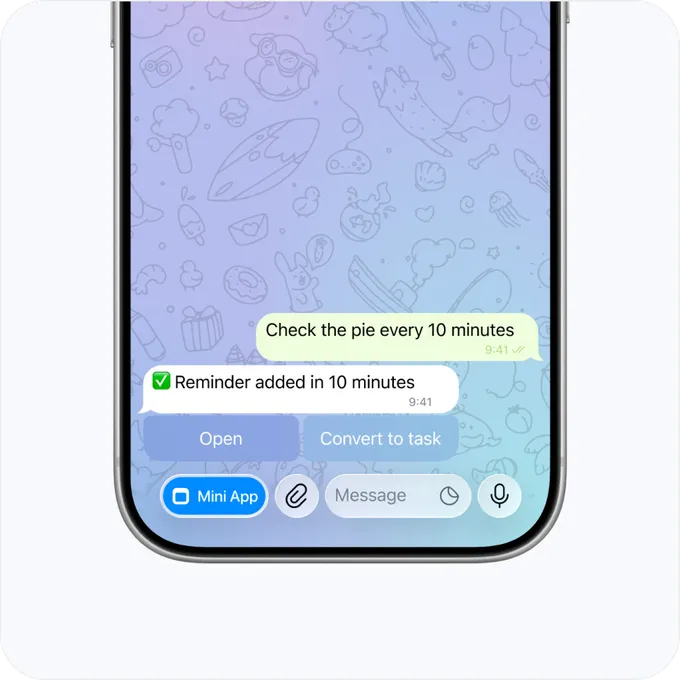
Just say it
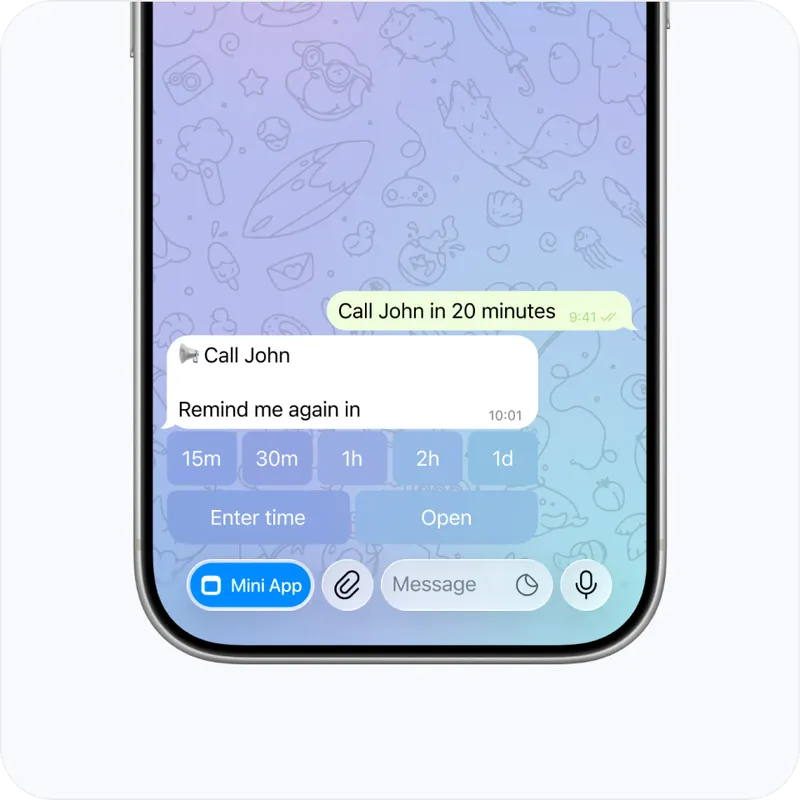
“call John in 20 minutes”, “send the presentation tomorrow at 10am”, “check the pie every 10 minutes” — Skeddy understands plain sentences, no rigid format required.
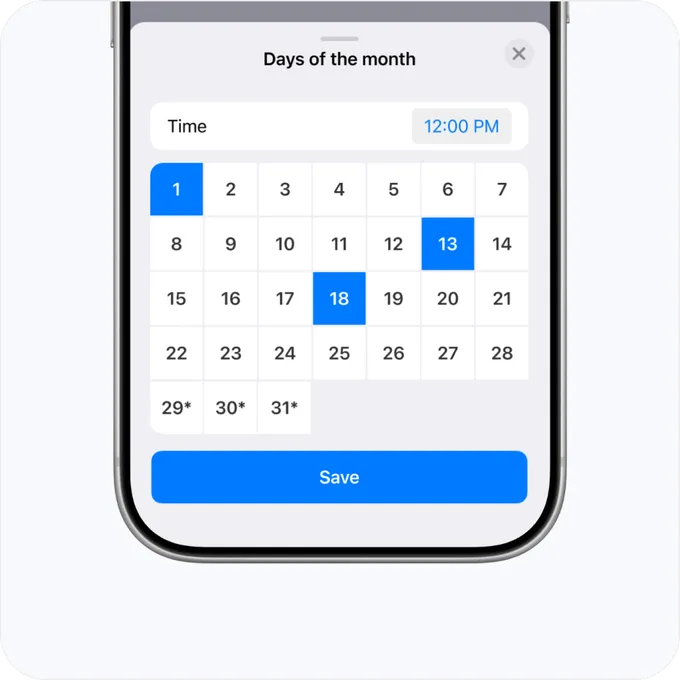
Any schedule
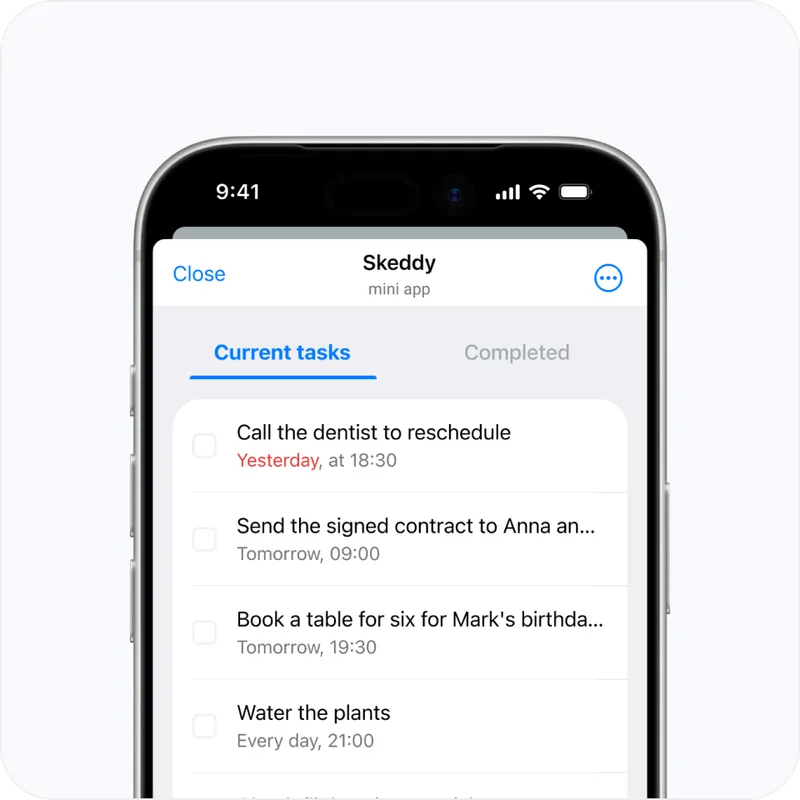
“pay for internet every 1st of the month”, “water the plants every Sunday at 1pm” — set it once in the Mini App and forget about it. Skeddy won't.
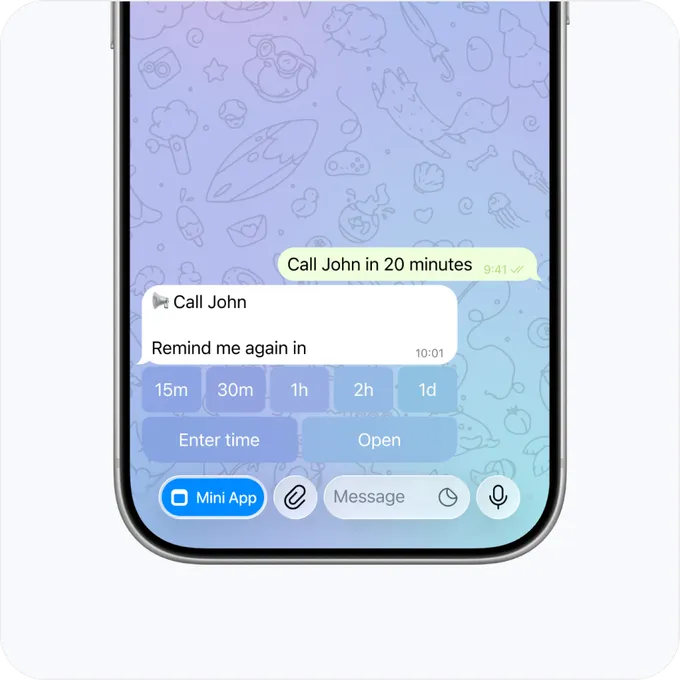
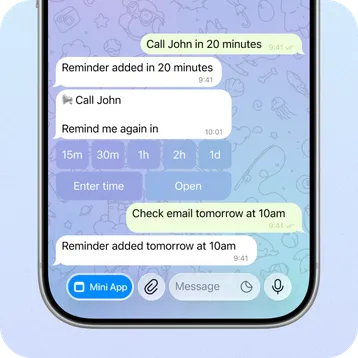
Snooze the reminder
Choose when you want to be reminded again, and Skeddy will get back to you at the right time.
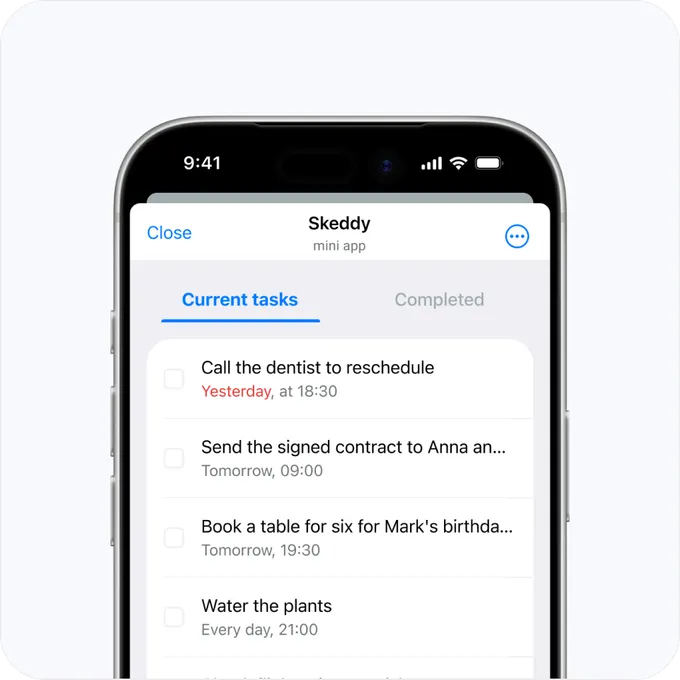
Check it off
Save it as a task instead, and it waits in your list until you mark it done.
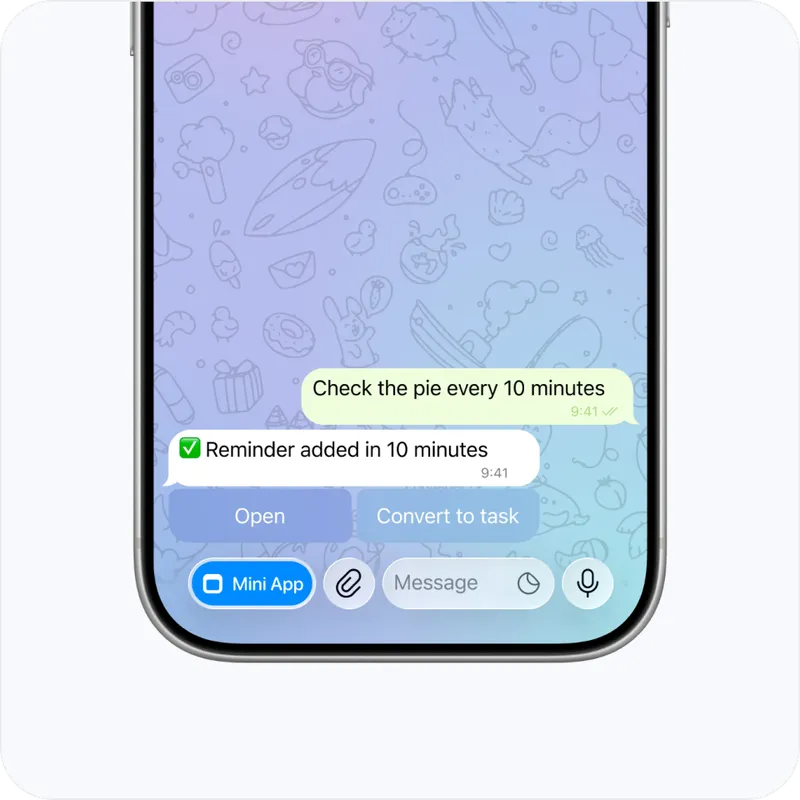
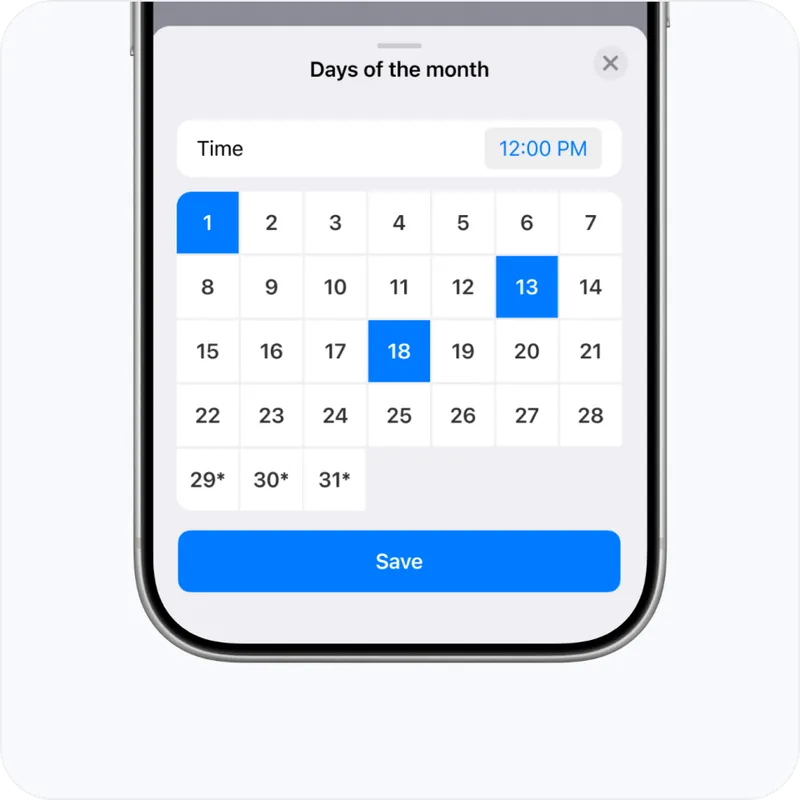
Four steps. That's the whole setup.
- 01
Open @SkeddyBot in Telegram and tap Start.
- 02
Set your timezone and language in the Mini App.
- 03
Tell Skeddy what to remind you about and when, right in the chat.
- 04
Get your reminder right on time. Snooze it, repeat it, or mark it as done.
Remind not just yourself, but the whole group.
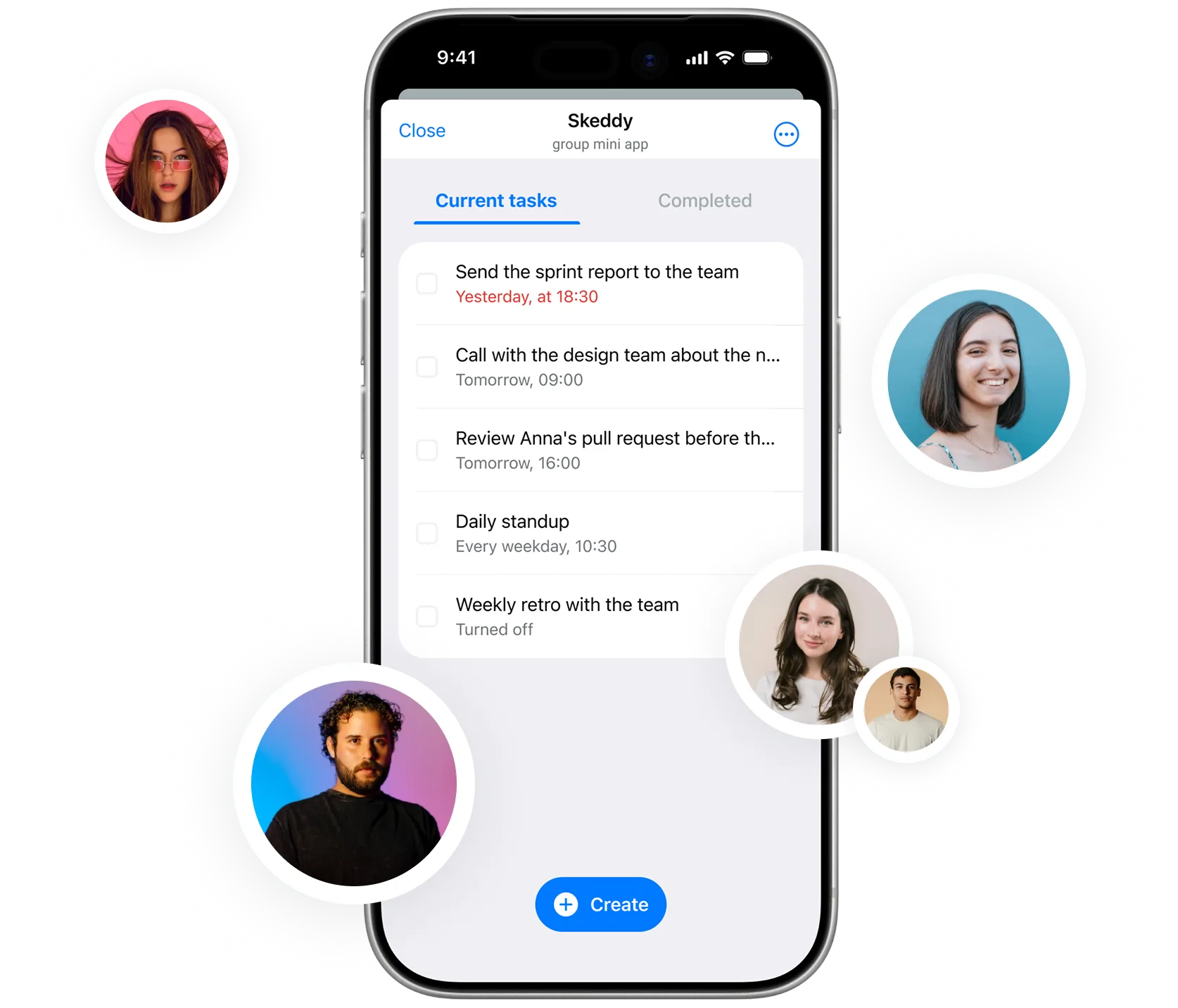
Add Skeddy to a chat with your team, family, or neighbors — a reminder about a call, deadline, or birthday reaches everyone at once.
Skeddy is free. Support keeps it running.
No subscriptions, no premium tier — Skeddy is free to use. If it's saved you from forgetting something important, you can help cover server costs.
Good to know
How do I set a reminder in Telegram?
With Skeddy, you can set a reminder in two ways. Send a message in plain language, like “Remind me to call the dentist tomorrow at 10am,” or use the Mini App when you need more control over the schedule and repeat settings.
Can I set recurring reminders in Telegram?
Yes. Skeddy lets you create recurring reminders directly in Telegram. In the Mini App, you can schedule reminders for specific times, intervals, days of the week, month or year, and set a date range.
Can I use Skeddy for reminders in Telegram groups?
Yes. Add Skeddy to a Telegram group, then use the /add command to create a reminder. Skeddy will send the reminder to the same group at the scheduled time.
Do I need to install an app to use Skeddy?
No. Skeddy is a Telegram reminder bot, so there’s no separate app to install. You can create reminders in the chat or open the Mini App inside Telegram for more advanced scheduling options.
Is Skeddy free?
Yes, Skeddy is completely free to use. If you’d like to support the project and help cover server costs, you can, but it’s entirely optional. Support on Patreon →